Sensors
System → Sensors shows live readings from every sensor the Pod has. Use it to check that data is arriving. Nothing here changes the Pod.
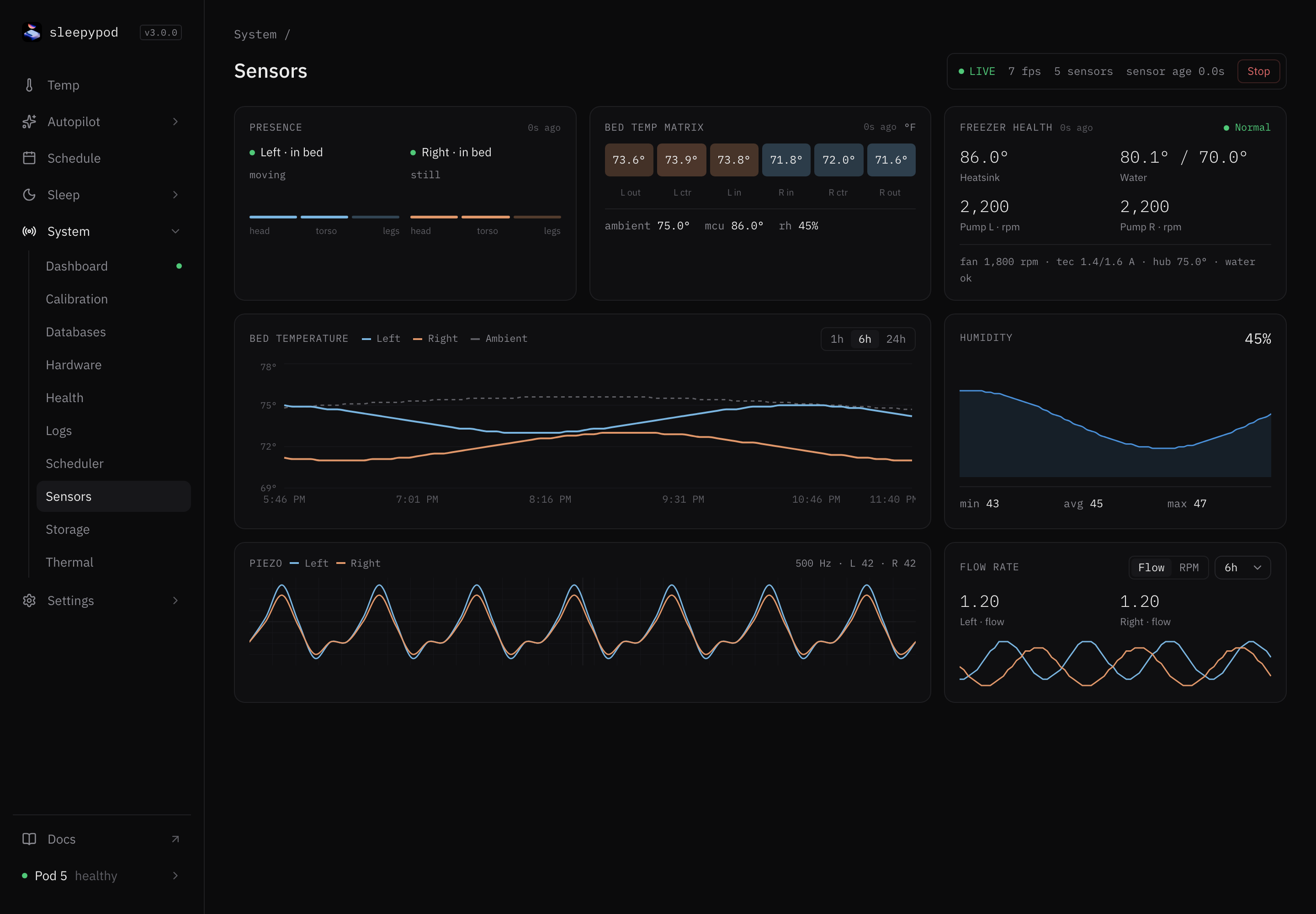
| Card | Shows |
|---|---|
| Presence | Whether each side is in bed, moving or still, and activity by zone: head, torso, and legs |
| Bed temp matrix | Outer, centre, and inner surface temperature for each side, plus room (ambient), board (mcu), and humidity |
| Freezer health | Status (Normal, Water low, High TEC, Fan slow, or No data), heatsink and water temperature, and pump speed for each side |
| Bed temperature | Left, Right, and Ambient over 1h, 6h, or 24h |
| Humidity | Room humidity with min, average, and max |
| Piezo | The raw heartbeat and breathing waveform. Seek back in time, then Go live to return |
| Flow rate | Water flow or pump RPM for each side, over the time you choose |
Each card shows how old its reading is. A missing card value (--) means no reading, not zero. Which cards have data depends on the Pod generation and firmware.
If readings are missing, check the live stream bar at the top, then Health.
Source reference: Sensors screen · Frame formats
Last updated on