Calibration
System → Calibration shows how each sensor was calibrated and how live readings compare. Choose Left or Right at the top. The date of the last calibration is shown next to it.
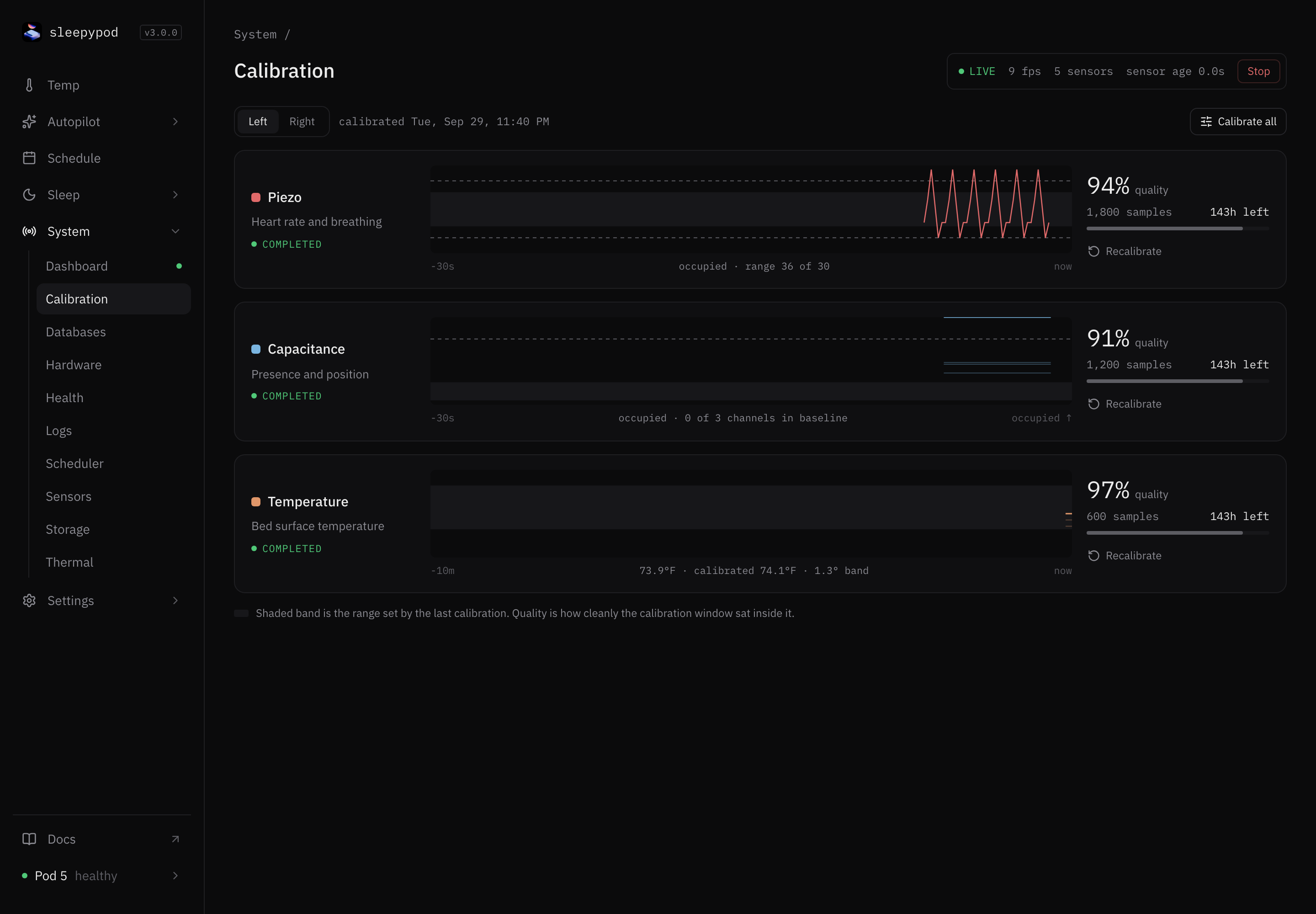
The three sensors
| Sensor | Measures | Live trace covers |
|---|---|---|
| Piezo | Heart rate and breathing | Last 30 seconds |
| Capacitance | Presence and position | Last 30 seconds |
| Temperature | Bed surface temperature | Last 10 minutes |
Each row shows:
- Status: COMPLETED, RUNNING, PENDING, or FAILED.
- A live trace drawn over the shaded calibration band. The caption says whether the side reads occupied or empty.
- Quality: how cleanly the calibration window fit. Higher is better.
- Samples used, and how long the calibration stays valid.
Recalibrate
Calibration learns what an empty bed looks like. Make sure nobody is on that side and nothing heavy is resting on it, then select Recalibrate on one sensor, or Calibrate all. The status changes to RUNNING, then COMPLETED. If it shows FAILED, check that the bed was empty and try again.
Calibrate the capacitance sensor before turning on Auto-off, which needs presence sensing. A completed calibration is not a guarantee of good overnight readings; check Sleep → Biometrics the next morning.
Source reference: Calibration panel · Calibration API
Last updated on