Sides
Settings → Sides holds each person’s preferences. Choose Left or Right at the top of the page first. Each change saves straight away.
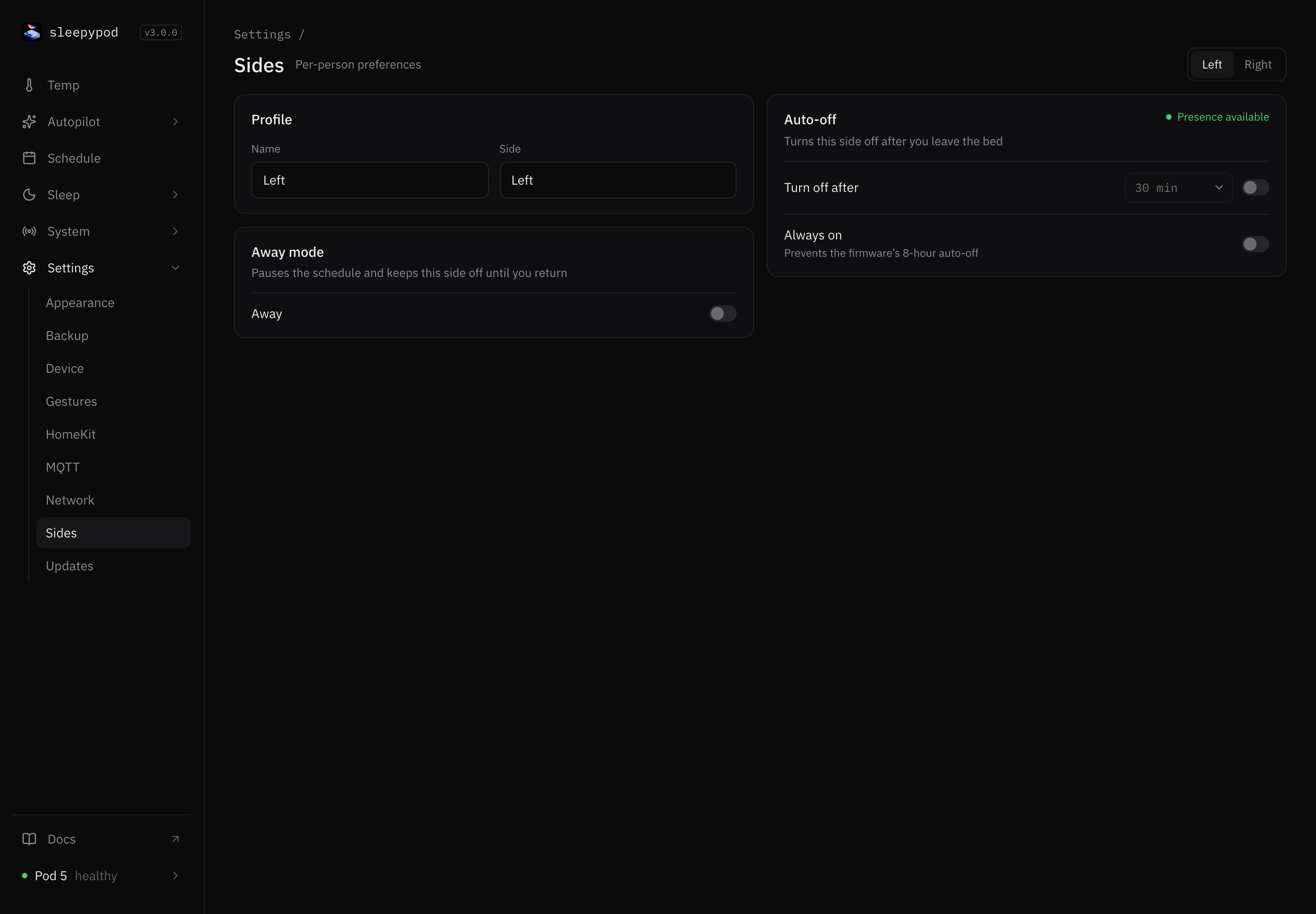
Profile
Name is shown throughout the app, for example on the Temp screen and in the Person switches. Use up to 20 characters. It saves when you press Enter or leave the field. Side shows which side of the bed this is and cannot be changed.
Away mode
Turn on Away while this person is away. It pauses their schedule and keeps their side off until you turn Away off again. Sleep pages hide an away side’s Person switch.
Auto-off
Auto-off turns the side off after the person gets out of bed. Choose how long to wait in Turn off after, from 5 minutes to 2 hours (30 minutes by default), and turn on the switch.
Auto-off needs to know when someone is in bed. The badge shows Presence available when it does. If it shows Presence unavailable, you cannot turn Auto-off on. Calibrate the capacitance sensor for this side in System → Calibration, then come back.
Always on
The Pod’s firmware normally turns a side off after 8 hours. Always on prevents that. Always-on sides are also exempt from the auto power-off cap.
Always on and Auto-off cannot both be on. Turning one on turns the other off.
Source reference: Side settings form · Settings screen