Network
Settings → Network controls whether the Pod can reach the internet. Local only blocks internet traffic with firewall rules and keeps local traffic working, so the app, the iOS app, the Dial, HomeKit, MQTT, and backups on your network continue to work.
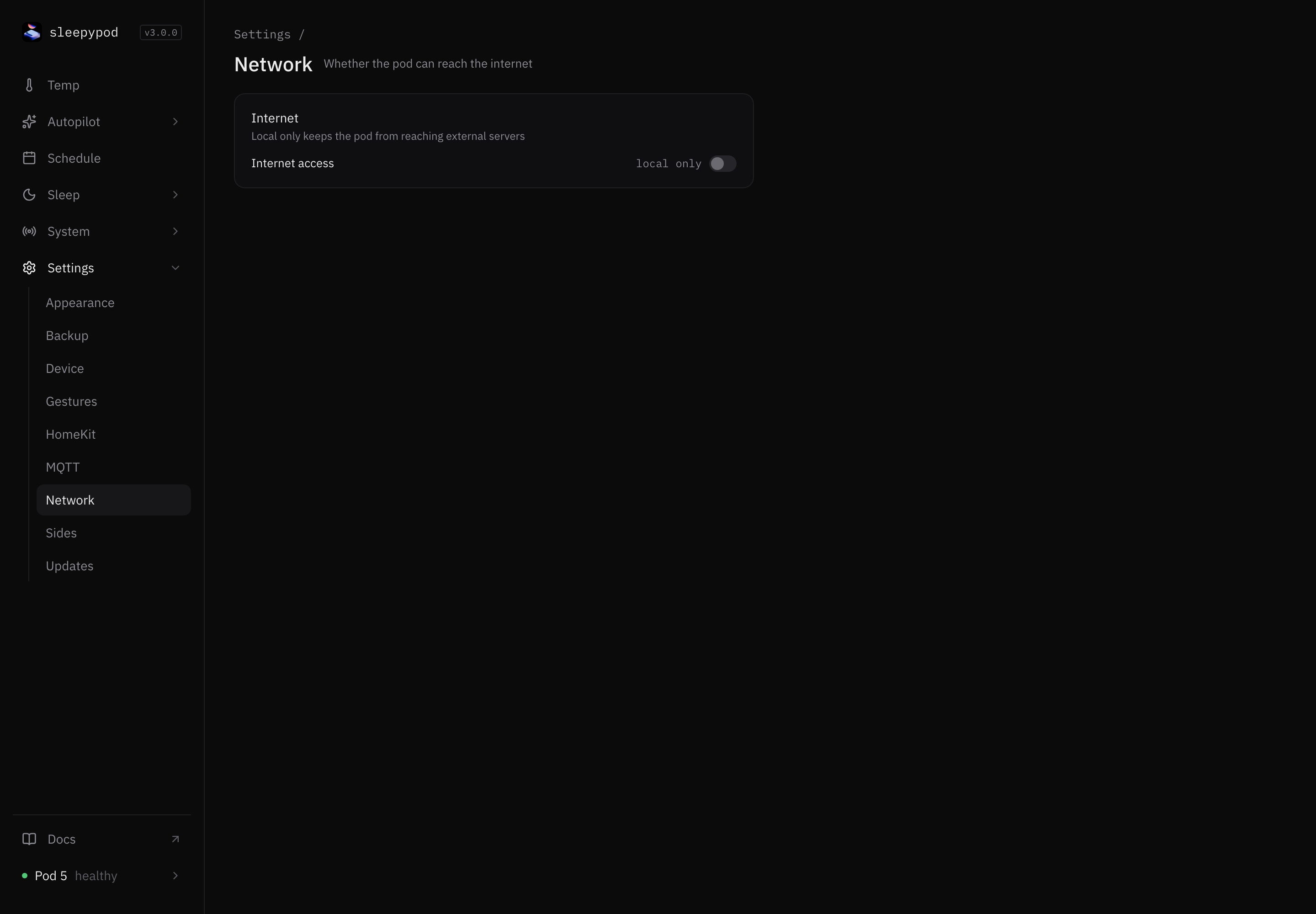
Change internet access
- Select the Internet access switch.
- The card asks Allow internet access? or Block internet access?. Select Confirm.
The row shows local only when internet access is blocked and allowed when it is not.
When the Pod needs the internet
Updates download new code, so they need internet access. If access is blocked, Updates offers to allow it temporarily and blocks it again when the update finishes.
Core is built for a trusted home network. Its local controls do not require a password. Never forward the Pod’s ports to the internet. The System dashboard shows whether the firewall rules are In place.
Source reference: Internet card · Internet access API