sleepypod Core
The foundation of the system. Core runs on the Pod’s embedded Linux and provides a local web app, hardware control, scheduling, biometrics processing, and an API for your other controls.
What you can do
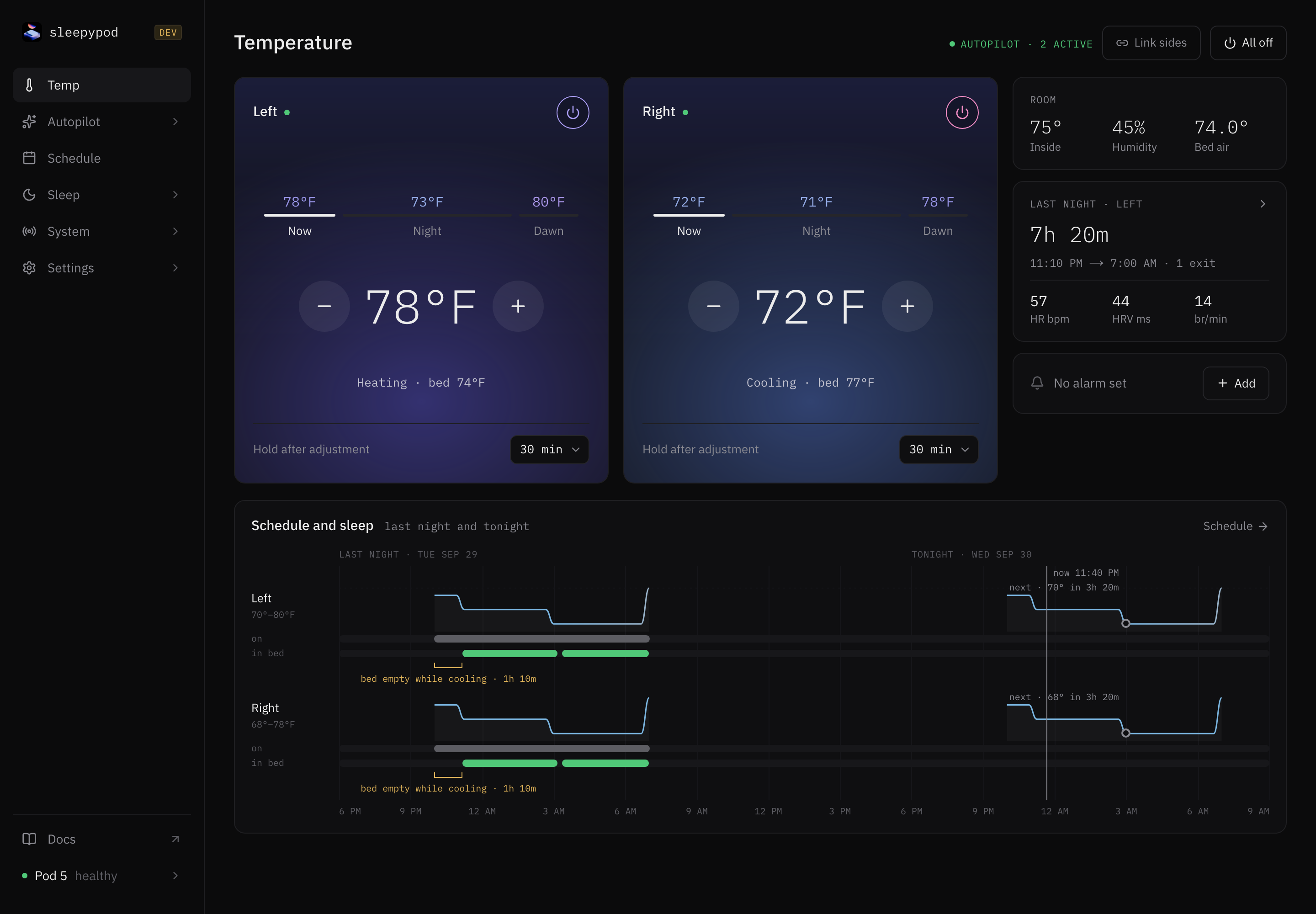
- Set temperature and power independently for the left and right sides.
- Schedule temperature changes, power, vibration alarms, and maintenance.
- Explore sleep sessions, heart rate, heart rate variability, and breathing trends.
- Connect Apple Home or Home Assistant through opt-in local bridges.
- Inspect device health and sensor activity from the web interface.
The web interface
Open http://POD_IP:3000 in a browser on the same network. Choose a side before changing temperature or power. Desktop routes provide additional diagnostics; mobile layouts focus on everyday controls.
Everyday workflows
- Immediate temperature, manual holds, and Night/Dawn edits
- Recurring schedules and alarms
- Signal-driven Autopilot rules
- Settings, gestures, backups, and maintenance
- System pages and troubleshooting workflow
How the pieces connect
Core sends hardware commands through the Pod’s DAC socket. Its scheduler operates on the device. Independent Python modules process sensor data into a separate biometrics database. The web app, iOS app, and Dial consume Core’s state and API.
For implementation details, read the architecture reference.
Source reference: Core overview
Last updated on