Hardware
System → Hardware tests the cover’s vibration motor, so you can check alarms will be felt.
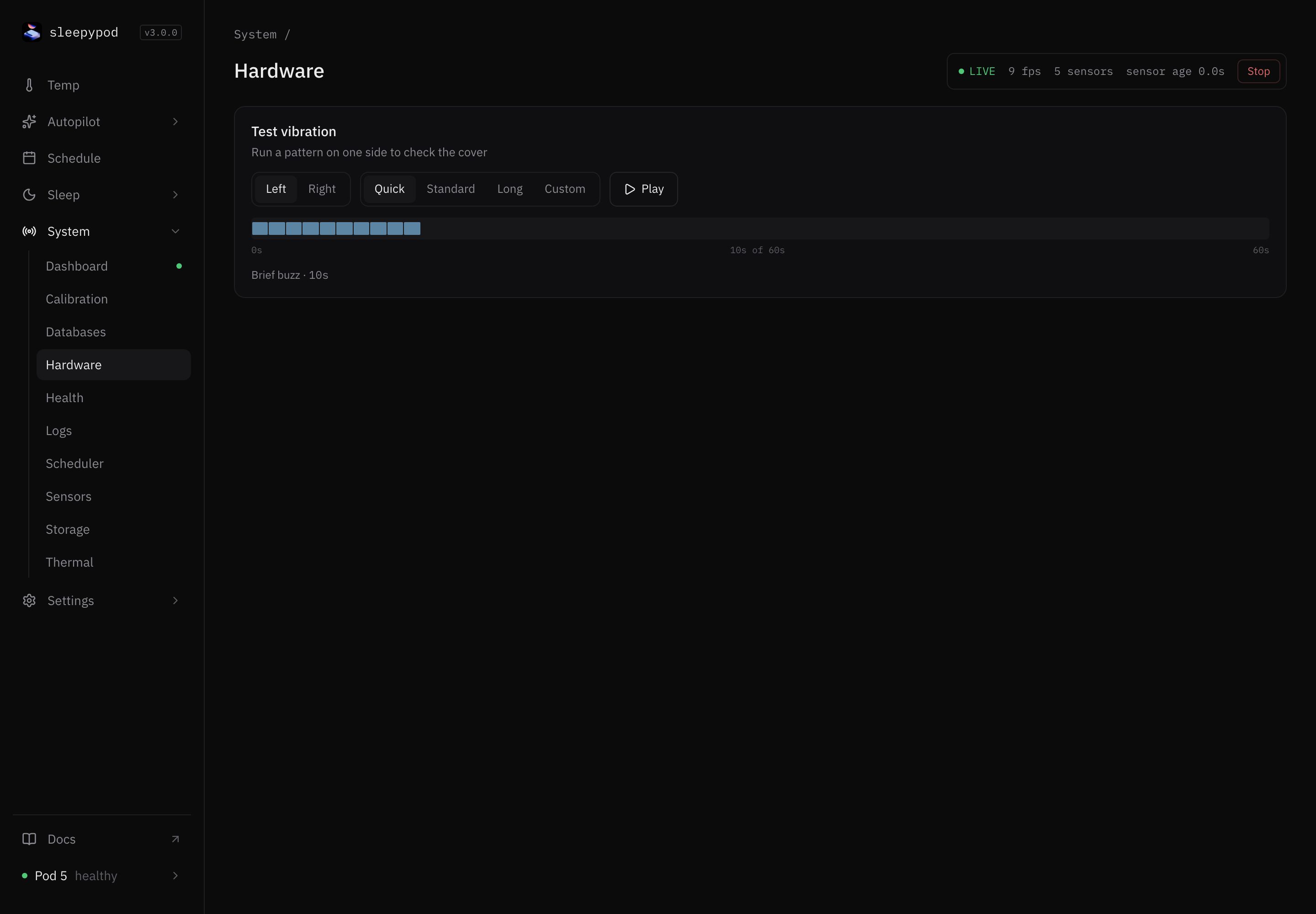
Test vibration
- Choose Left or Right.
- Choose a pattern:
- Quick: a 10-second brief buzz.
- Standard: 30 seconds, like the default alarm.
- Long: a 60-second extended ramp.
- Custom: choose a Duration from 1 to 60 seconds.
- Select Play. The cover vibrates on that side. Stop ends it early.
This sends a real command to the Pod. Warn anyone in bed first.
The test always runs at full intensity. Pod 5 covers ignore alarm intensity and pattern anyway; the duration is what you feel. See alarms.
Source reference: Vibration test card
Last updated on