Sleep and biometrics
Core processes the Pod’s sensor data locally. Python sidecar processes extract vitals and sleep-session information and write them to biometrics.db; the app reads those results through the API.
Follow the visual data flow to see how sensor readings become measurements and night records.
Find your data
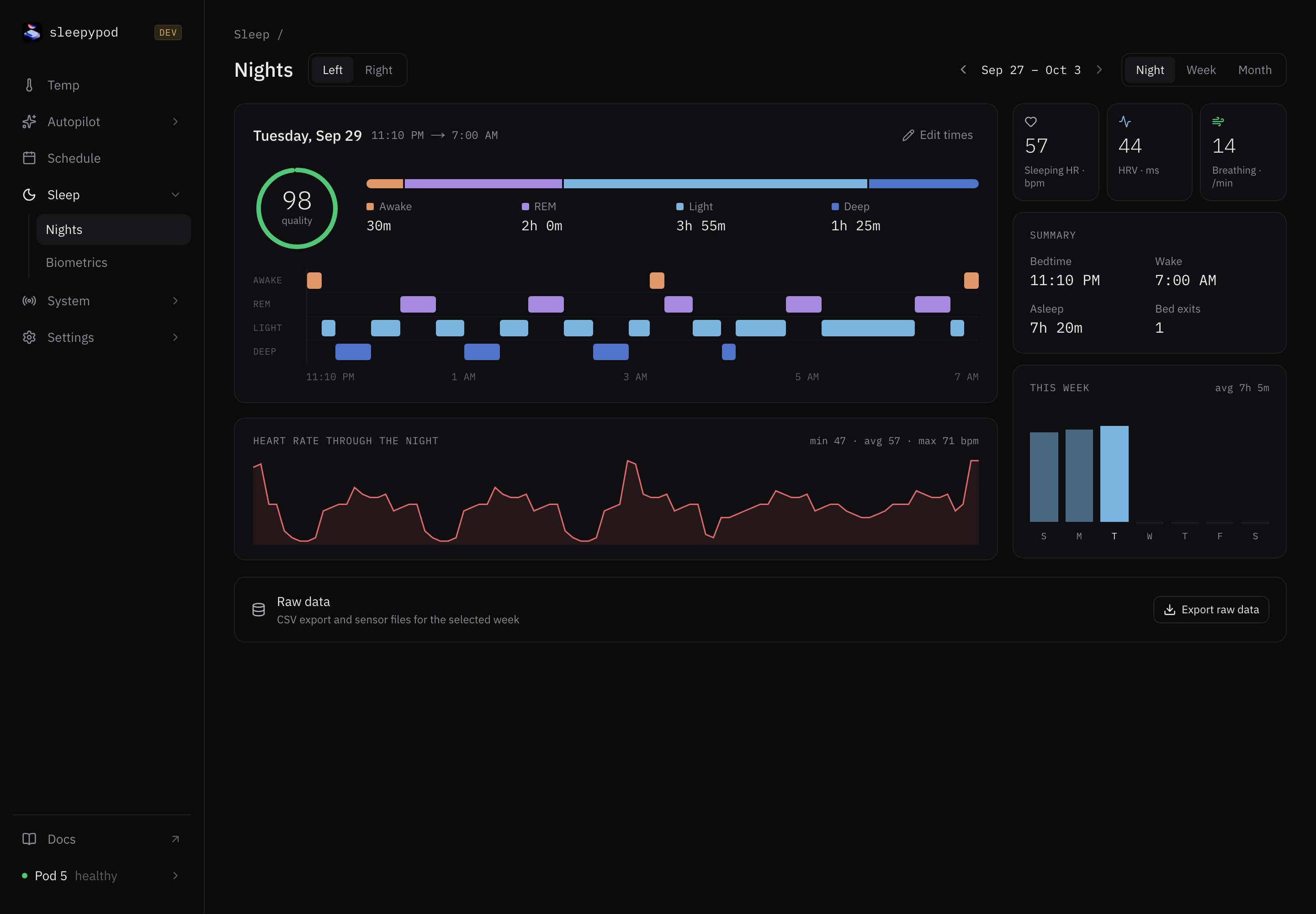
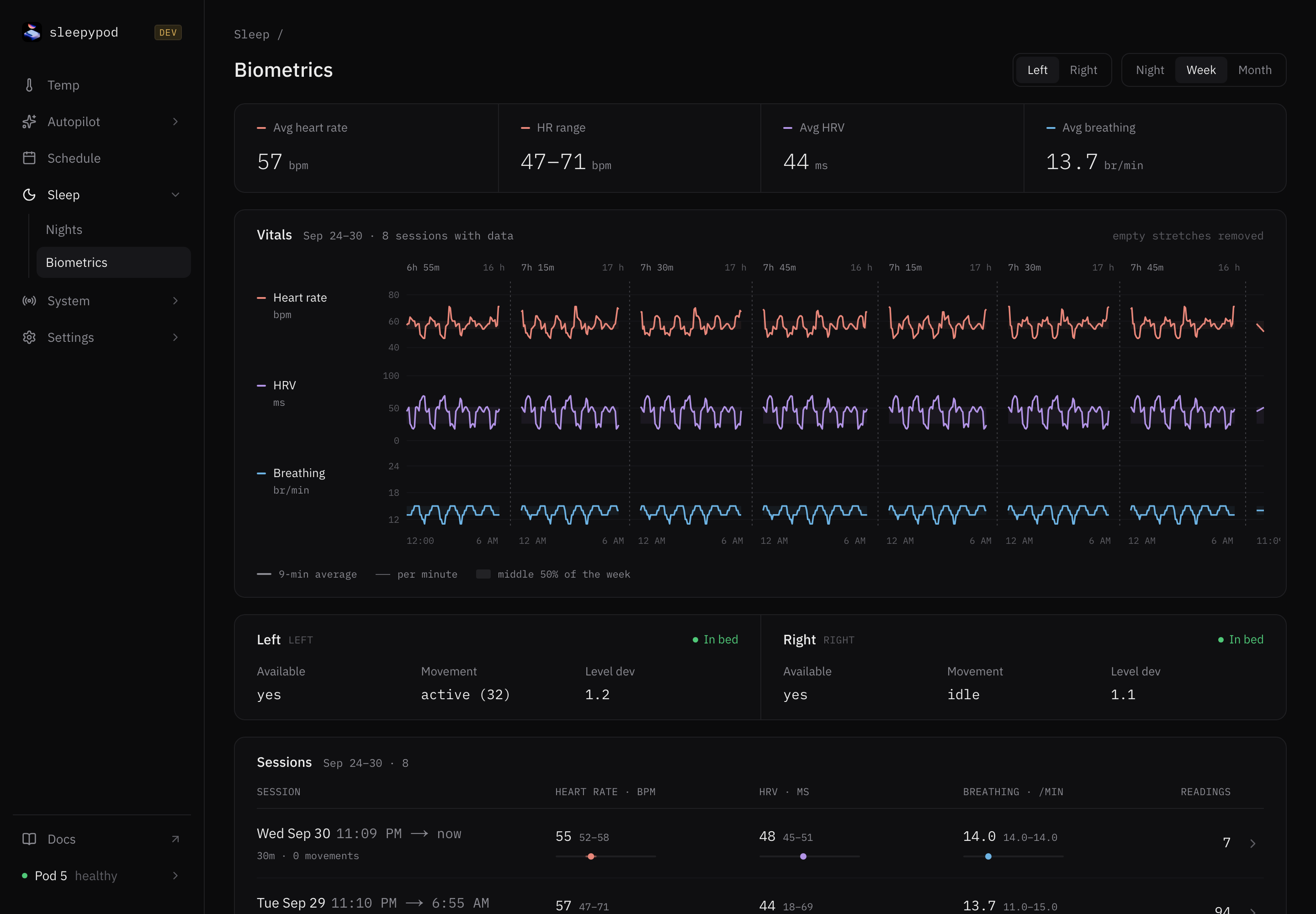
Open Sleep → Nights for night records and Sleep → Biometrics for the measurement view. Sensor and service troubleshooting now lives under System → Sensors, Pipeline, and Health. See the system guide when a night has missing measurements.
What you will see
- Heart rate, HRV, and breathing rate: interval measurements derived from the piezo signals.
- Sleep records: session boundaries, time in bed, exits, and presence intervals.
- Movement: interval scores used to describe activity during the night.
- Environmental and hardware sensors: temperature, light, flow, and water-level information where supported.
Sensor availability depends on the Pod generation, firmware, and active modules. Missing measurements should be treated as missing, not as a zero value.
Give the sensors context
Confirm the correct side is selected and that the bed is occupied when checking live signals. Review sensor calibration and module health if values are absent or inconsistent. The biometrics troubleshooting checklist follows the data from firmware to database.
Understand the limits
The app also creates power-transition sleep records so a session can exist when sensor modules are not running. A record alone does not prove that all biometrics were captured. iOS performs its own on-device sleep analysis; estimates are useful for exploring trends and are not a clinical sleep study.
Where data lives
Configuration and runtime state are stored separately in sleepypod.db. Sensor-derived time series live in biometrics.db. Raw frames pass through a RAM-backed hot directory and may be archived to persistent storage. See architecture for the pipeline and authoritative source references.
Source reference: Biometrics and database contract · Data-flow diagnostics · On-device analysis